

Purchasing (Goods Receiving) & RS.GE Waybills
Comprehensive guide to receiving supplier inventory in RestIQ BackOffice, logging purchase costs, restocking warehouses, and synchronizing official RS.GE electronic waybills.
The Purchasing module provides streamlined goods receiving from suppliers, purchase price tracking, inventory replenishment, and seamless synchronization with RS.GE electronic waybills. Follow these steps to receive incoming stock:
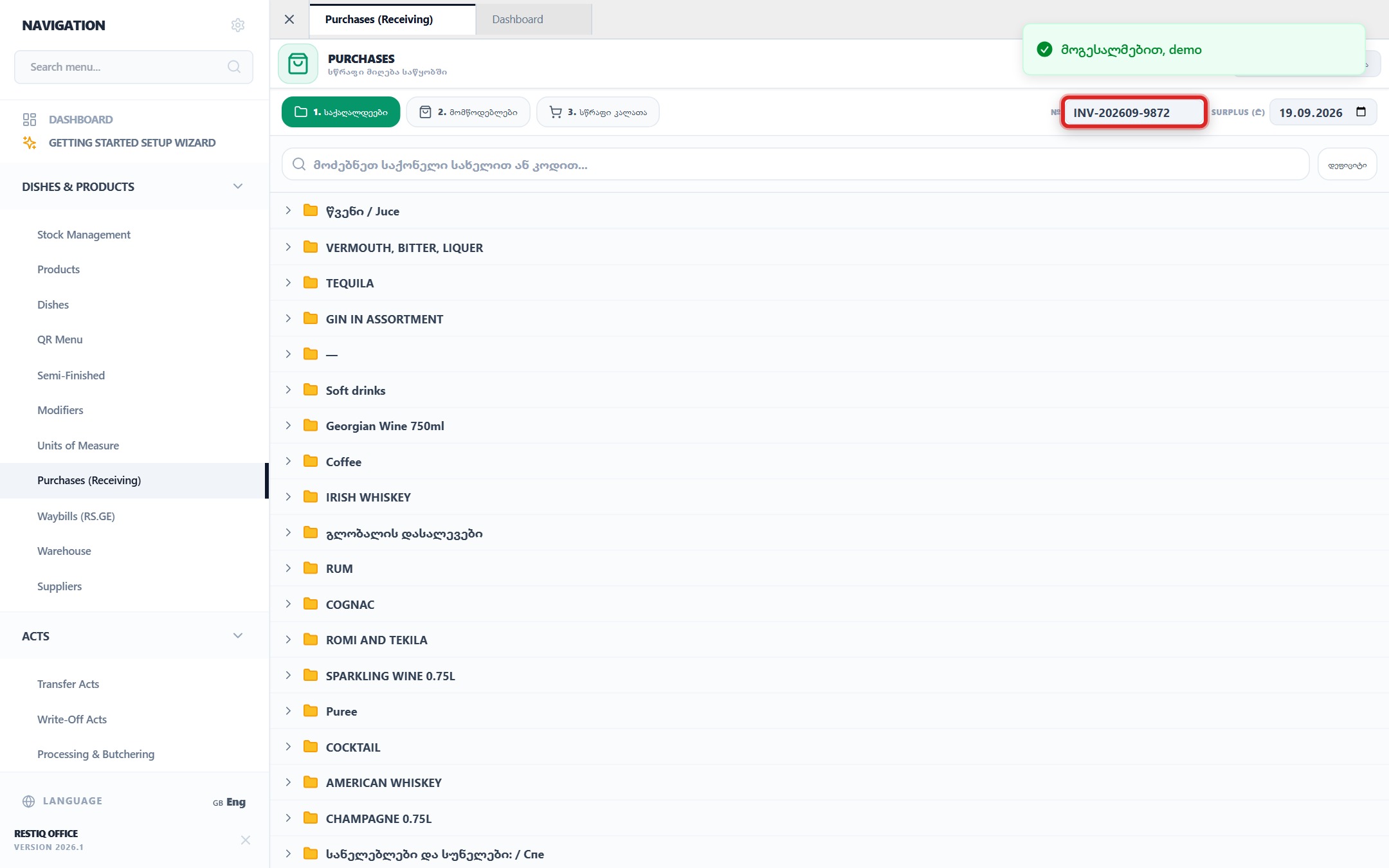
From the navigation sidebar, go to "Purchases (Receiving)" and locate target products in the catalog folders.
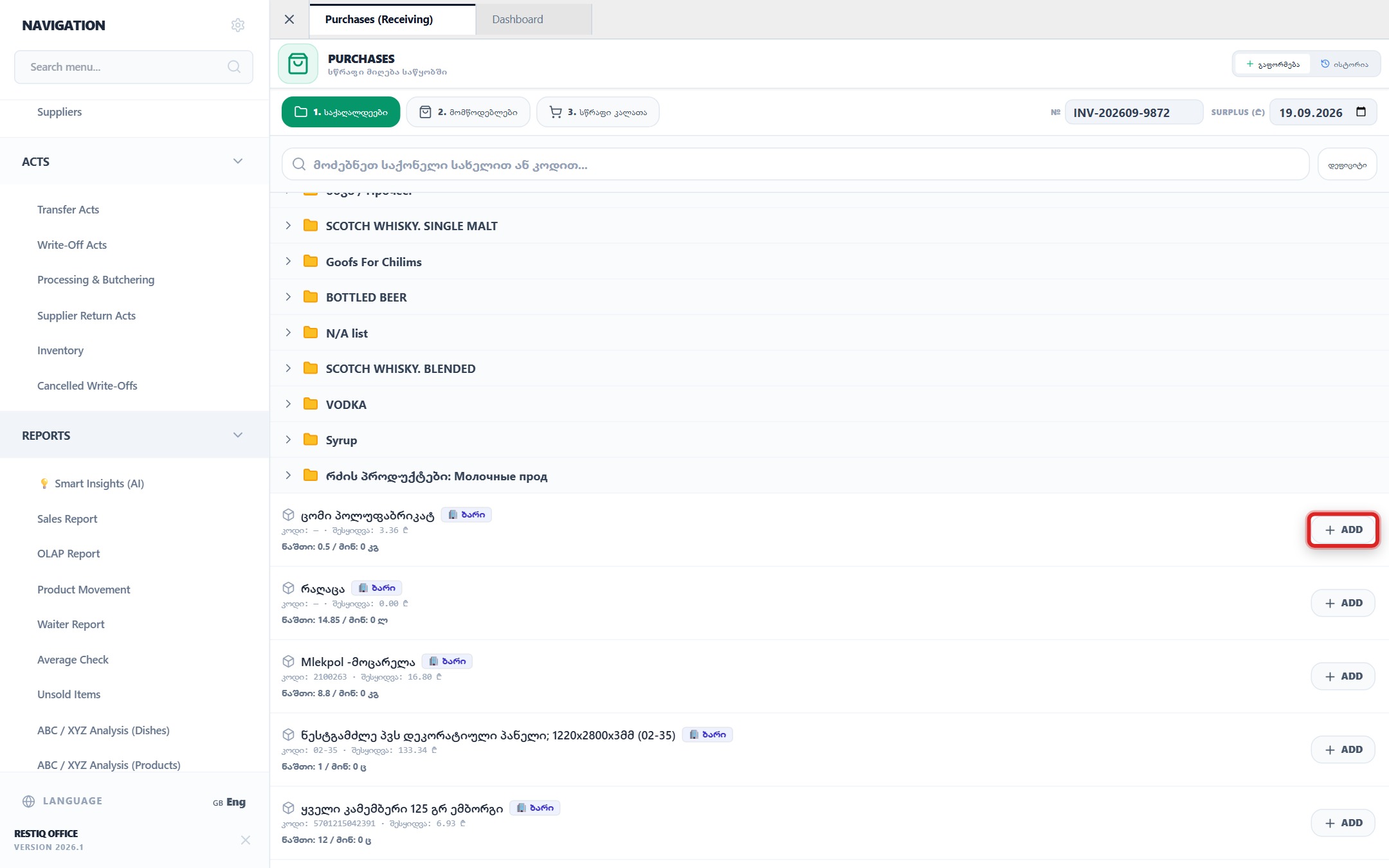
Click "+ Add" next to any product item to add it to the receiving invoice.
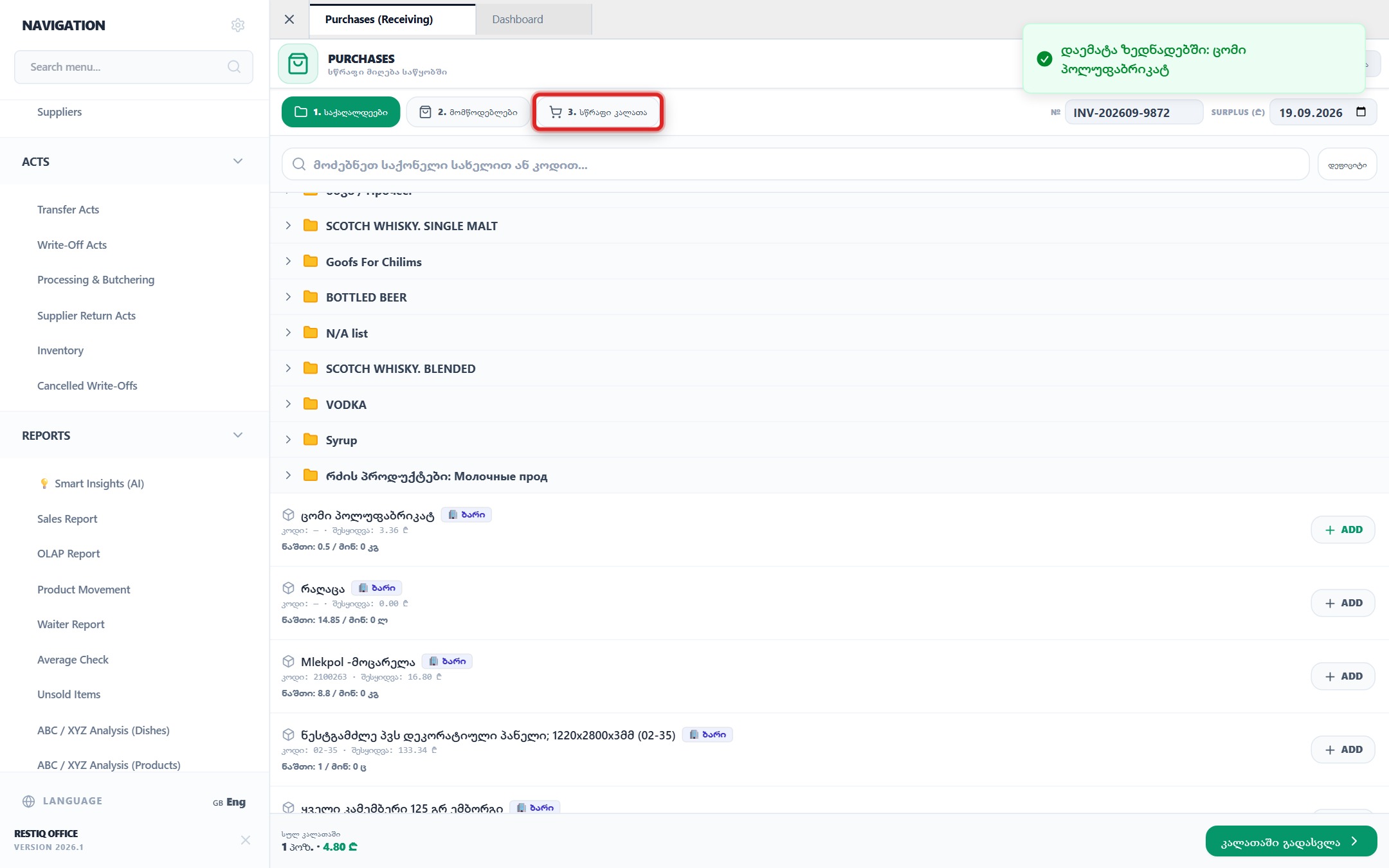
Switch to the "3. Quick Cart" tab to review the receiving items list and parameters.
Select the supplier company and target storage location (e.g., "Bar", "Kitchen", "Main Warehouse").
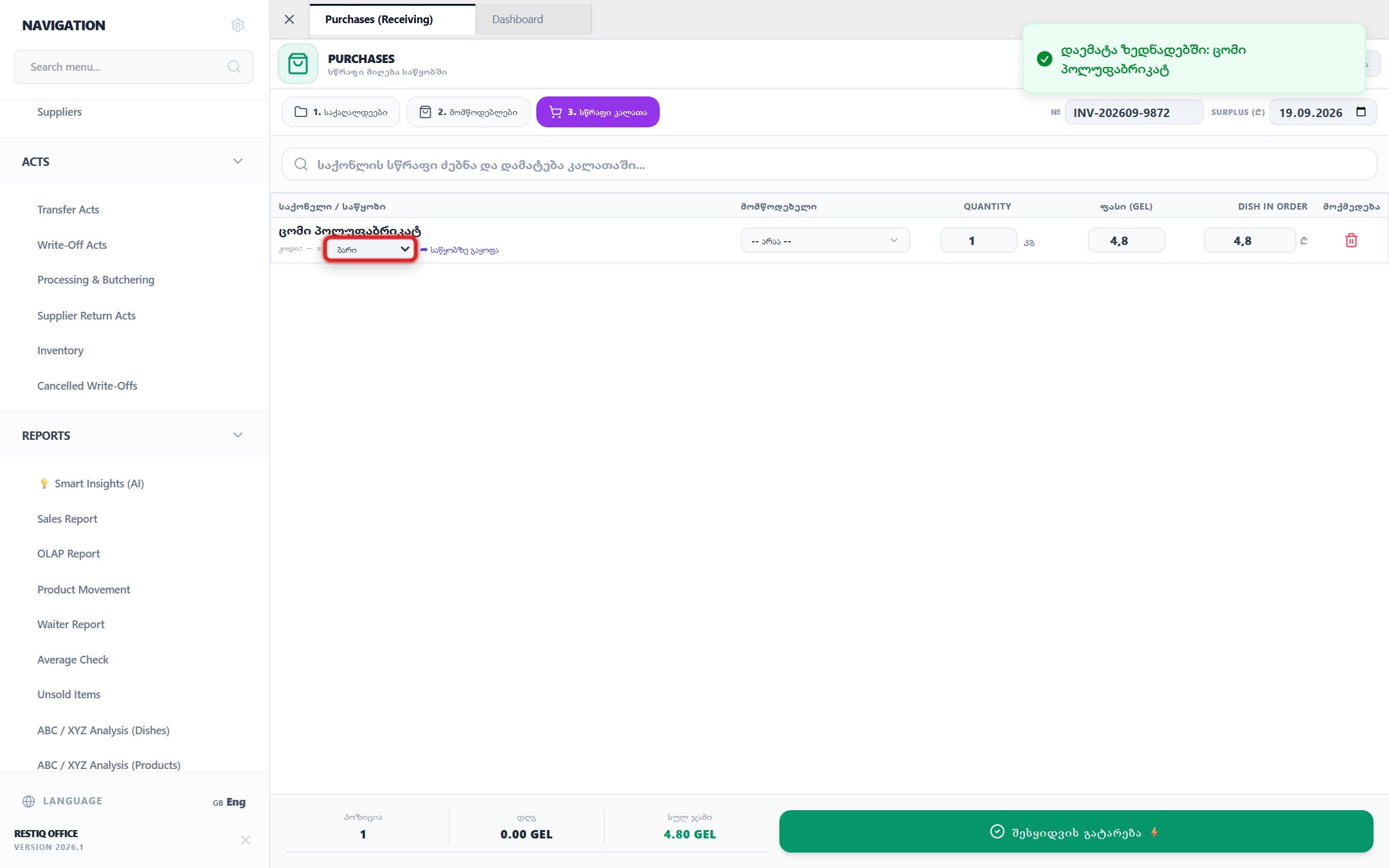
Enter the received physical quantity and the net/gross unit purchase price in GEL.
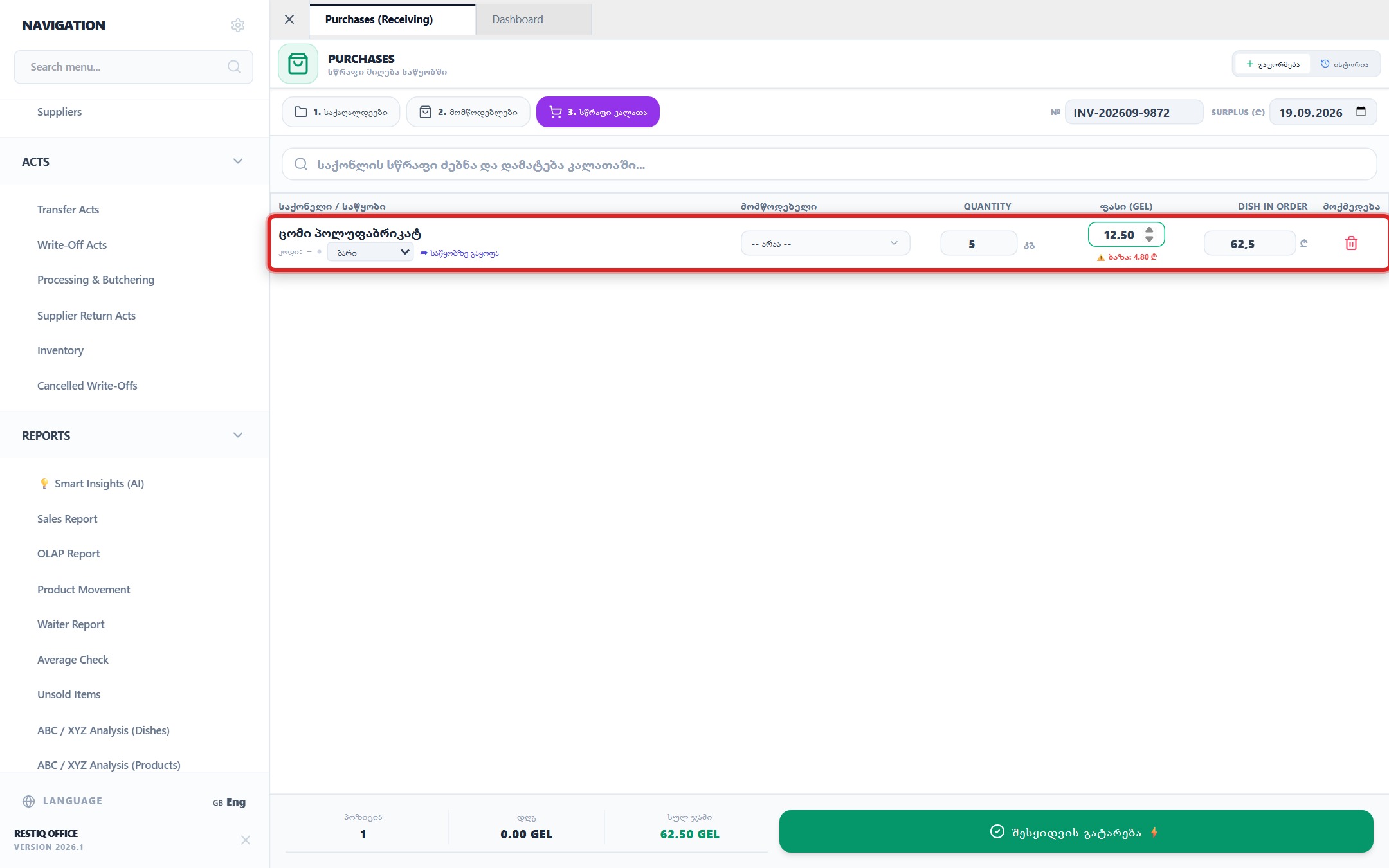
Review the calculated invoice totals and click "Post Purchase / Receive ⚡".
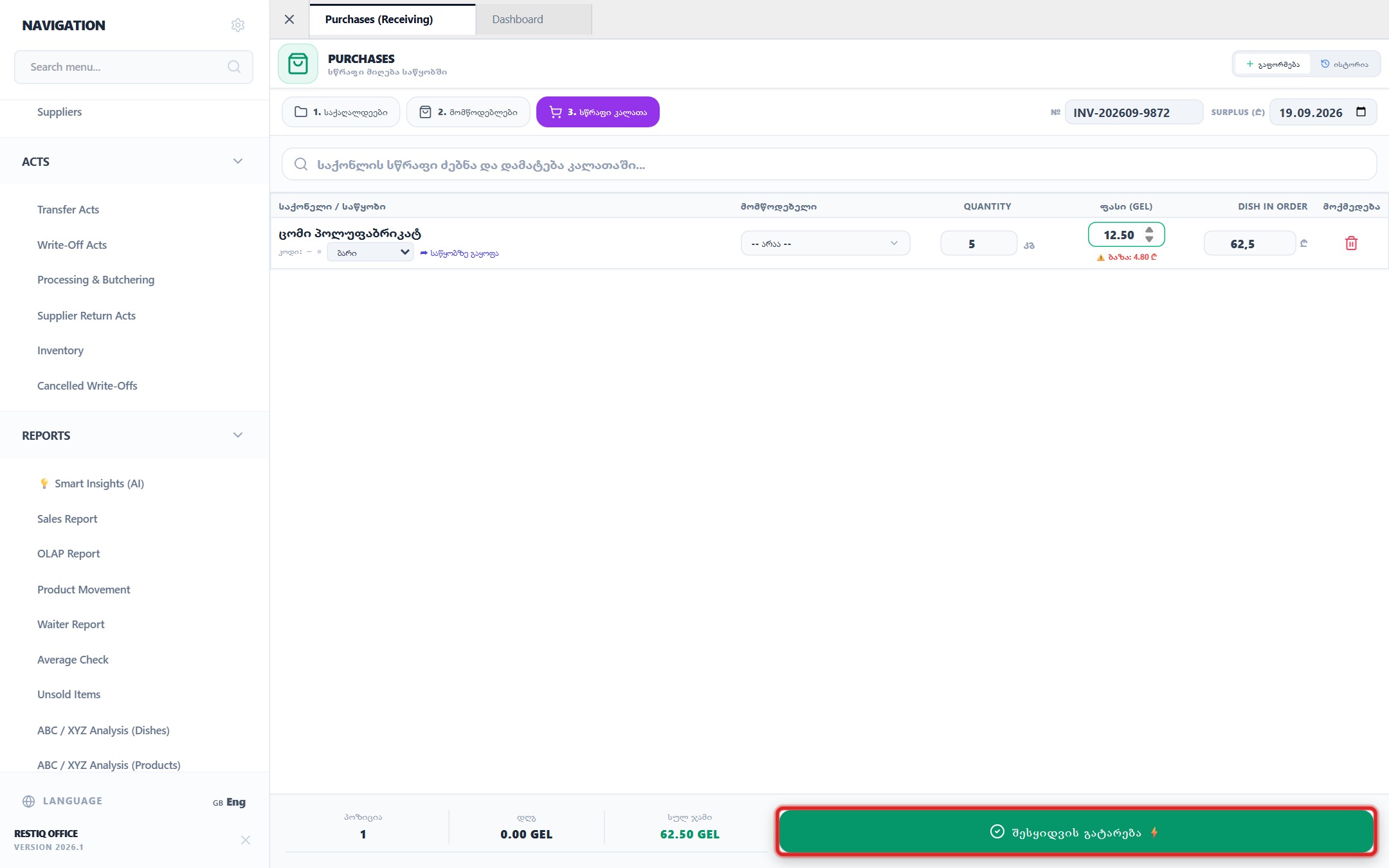
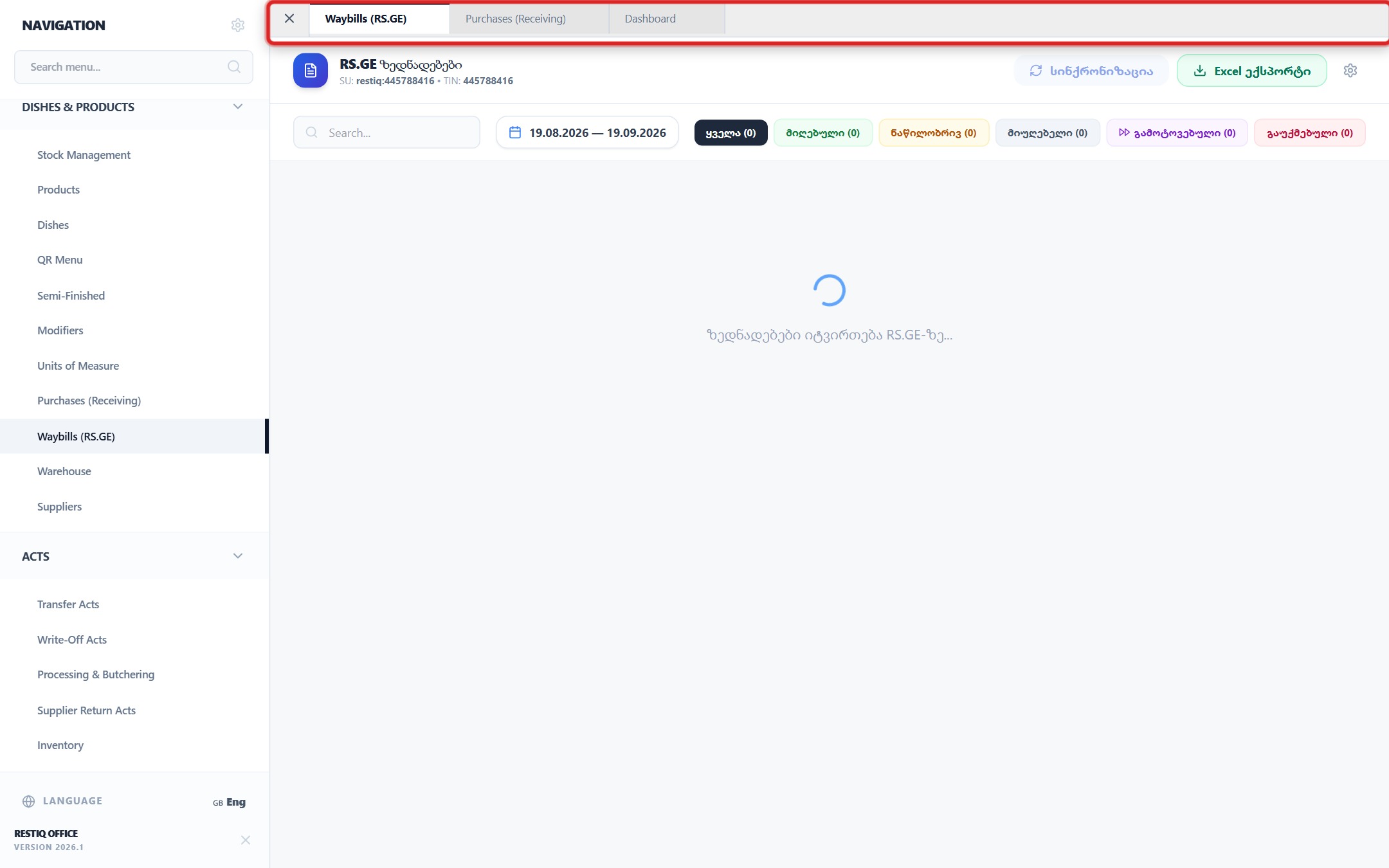
To synchronize official electronic waybills directly from Revenue Service, open "Waybills (RS.GE)".
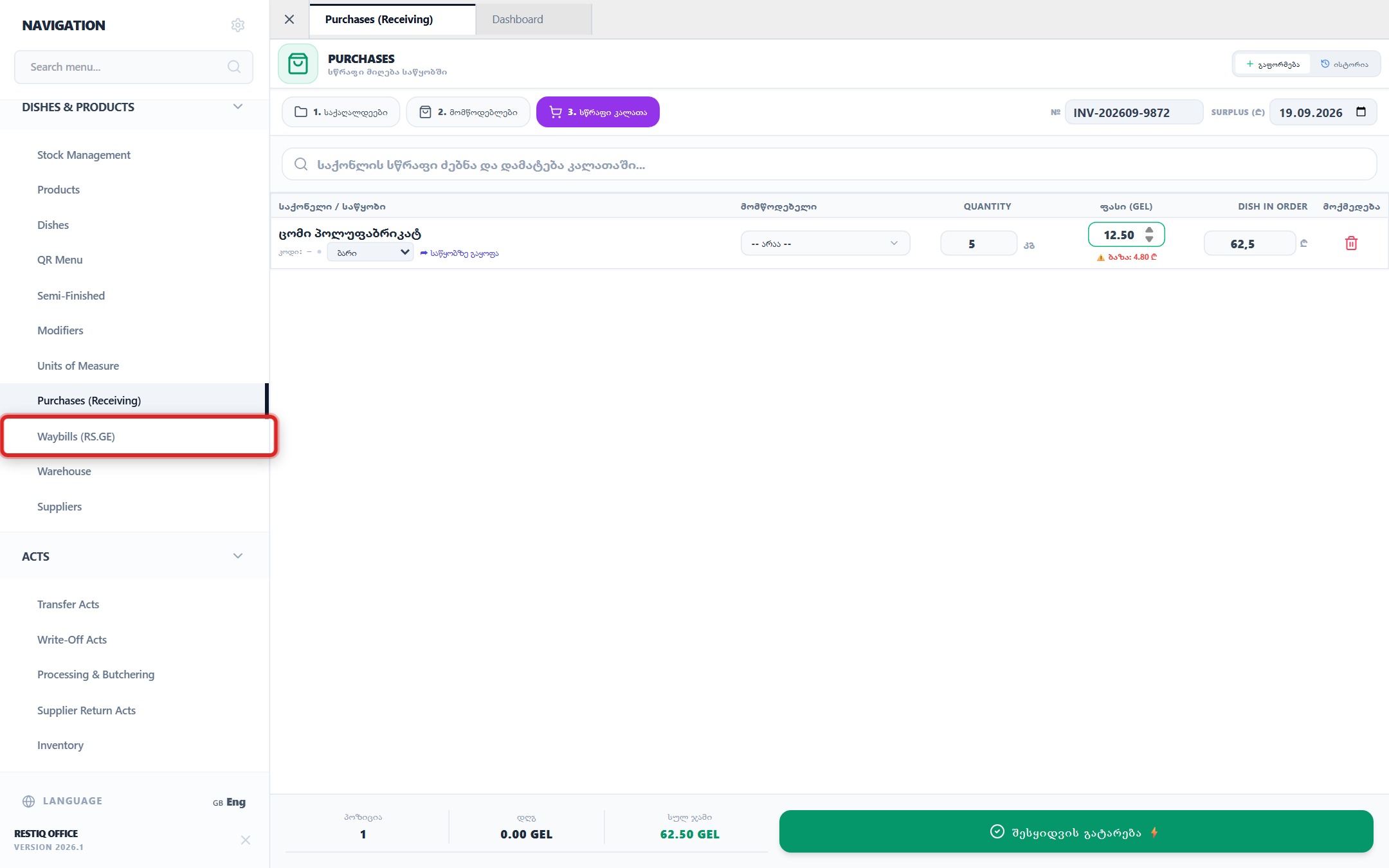
The posted invoice immediately increases warehouse inventory, recalculates dish prime costs, and is archived in the history log.
Your feedback helps us continuously improve our documentation