

Tech Cards (Recipe Costing) & Prime Cost Management
Comprehensive guide to creating recipe tech cards, specifying ingredient quantities, tracking real-time food prime cost, and leveraging AI recipe tools in RestIQ BackOffice.
A recipe tech card defines the ingredient composition, precise portion norms, and enables real-time prime cost (Food Cost) calculation and automated stock deduction upon every POS sale. Follow these steps to configure a dish recipe tech card:
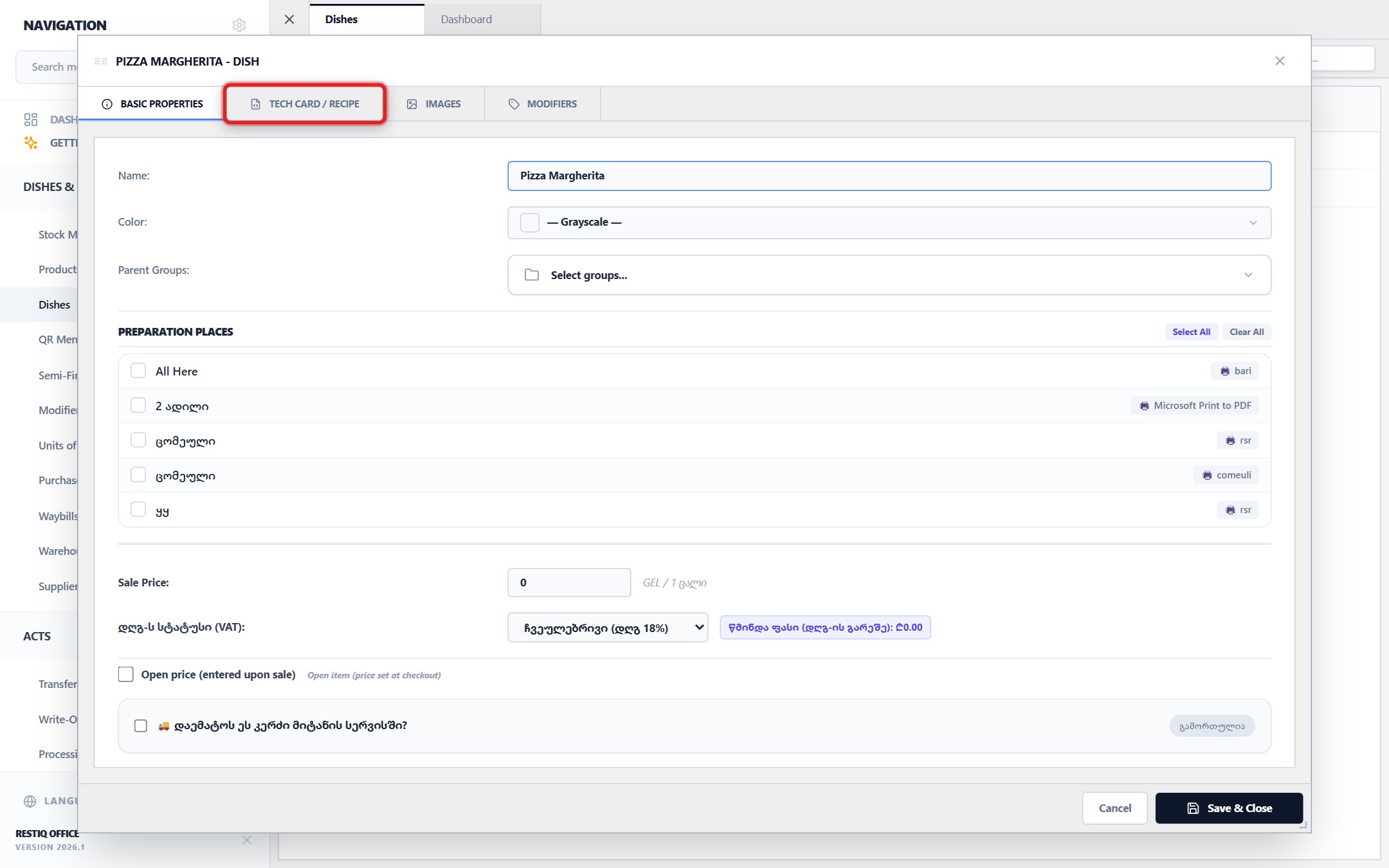
In the dish creation/editing modal, switch to the "Tech Card" tab.
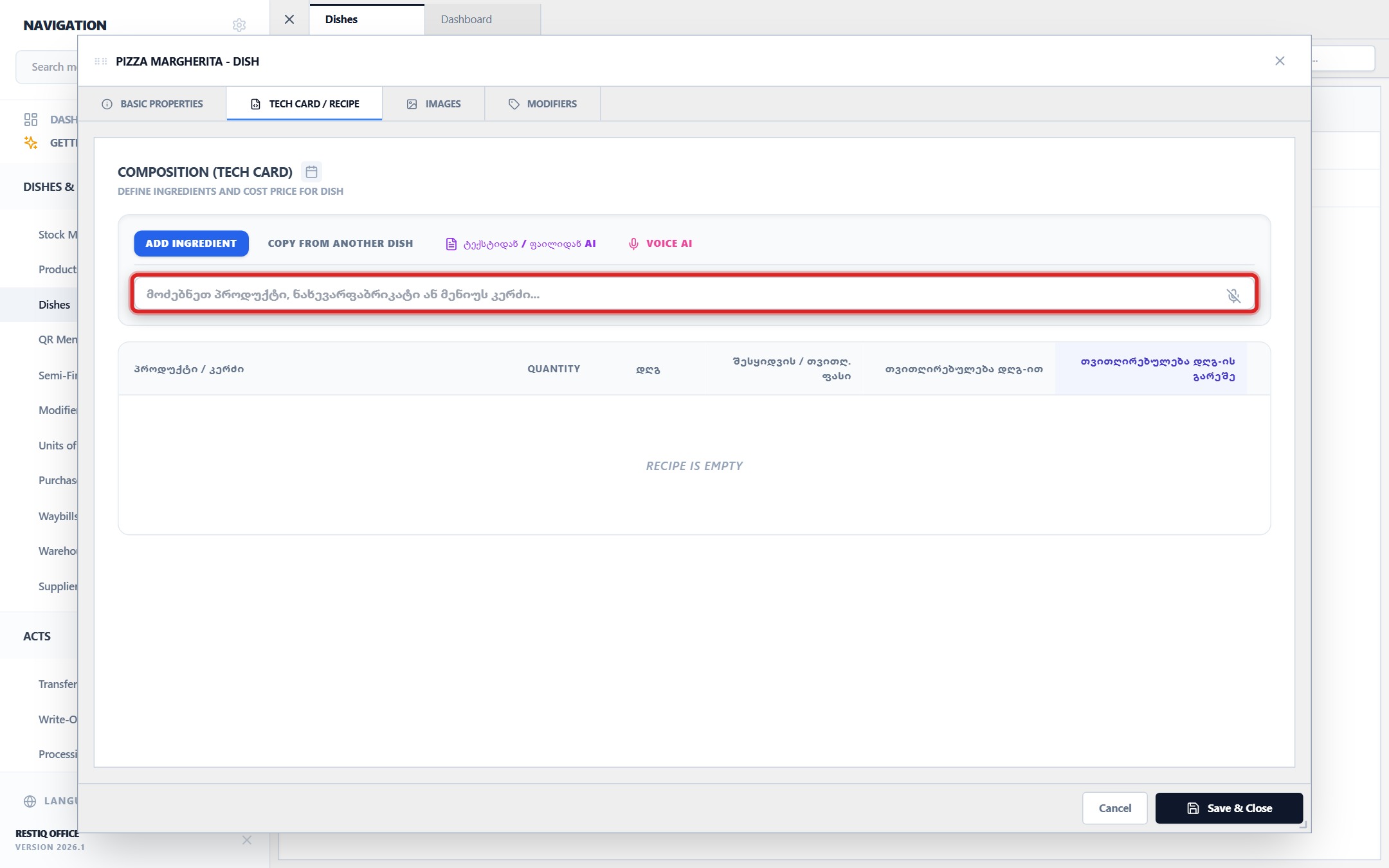
Click on the ingredient search input field to add raw materials, goods, or semi-finished items.
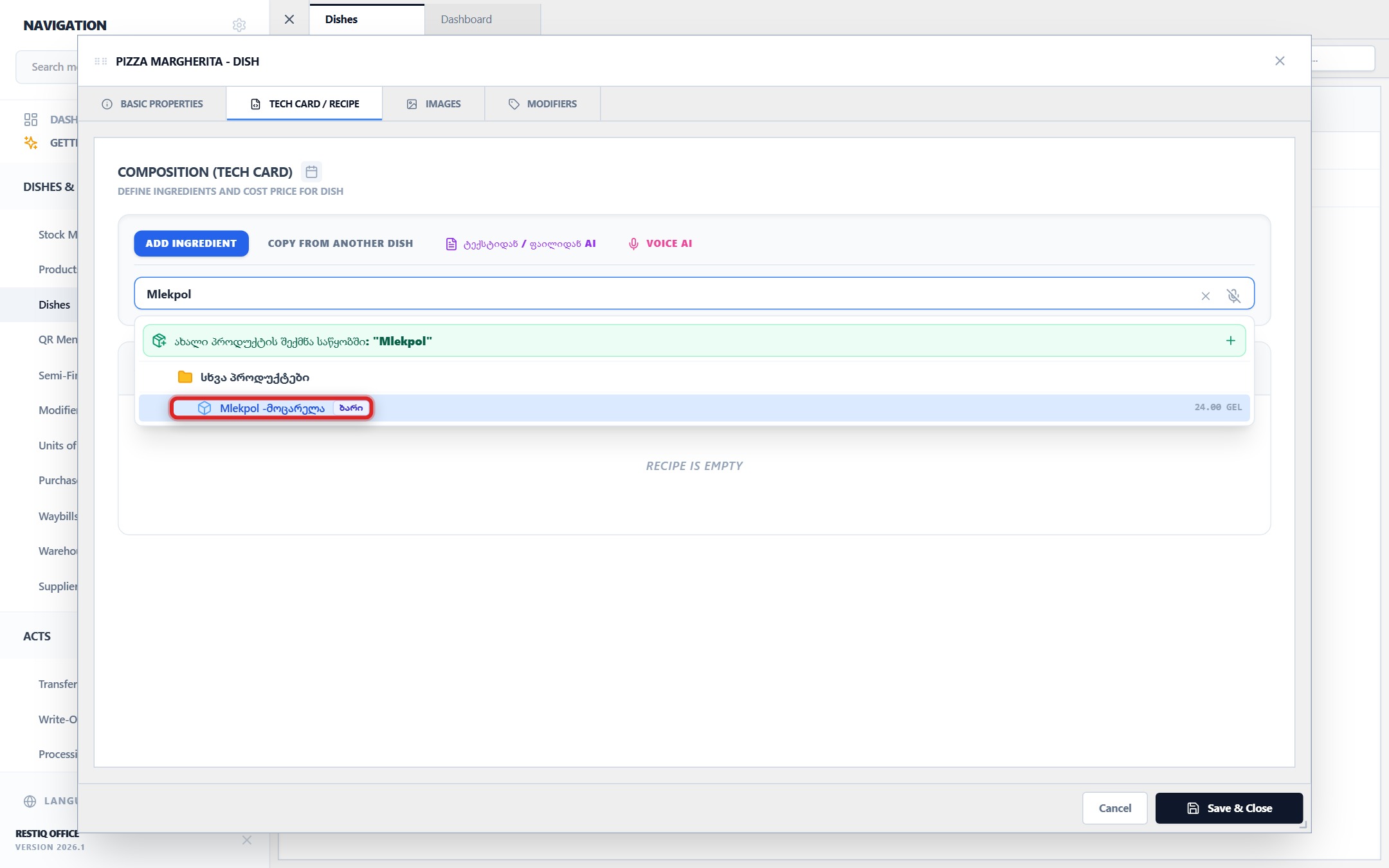
Select the desired ingredient from the dropdown catalog (e.g., "Mlekpol - Mozzarella").
In the "Quantity" column, specify the exact portion weight/quantity per single dish serving (e.g., 0.25 kg).
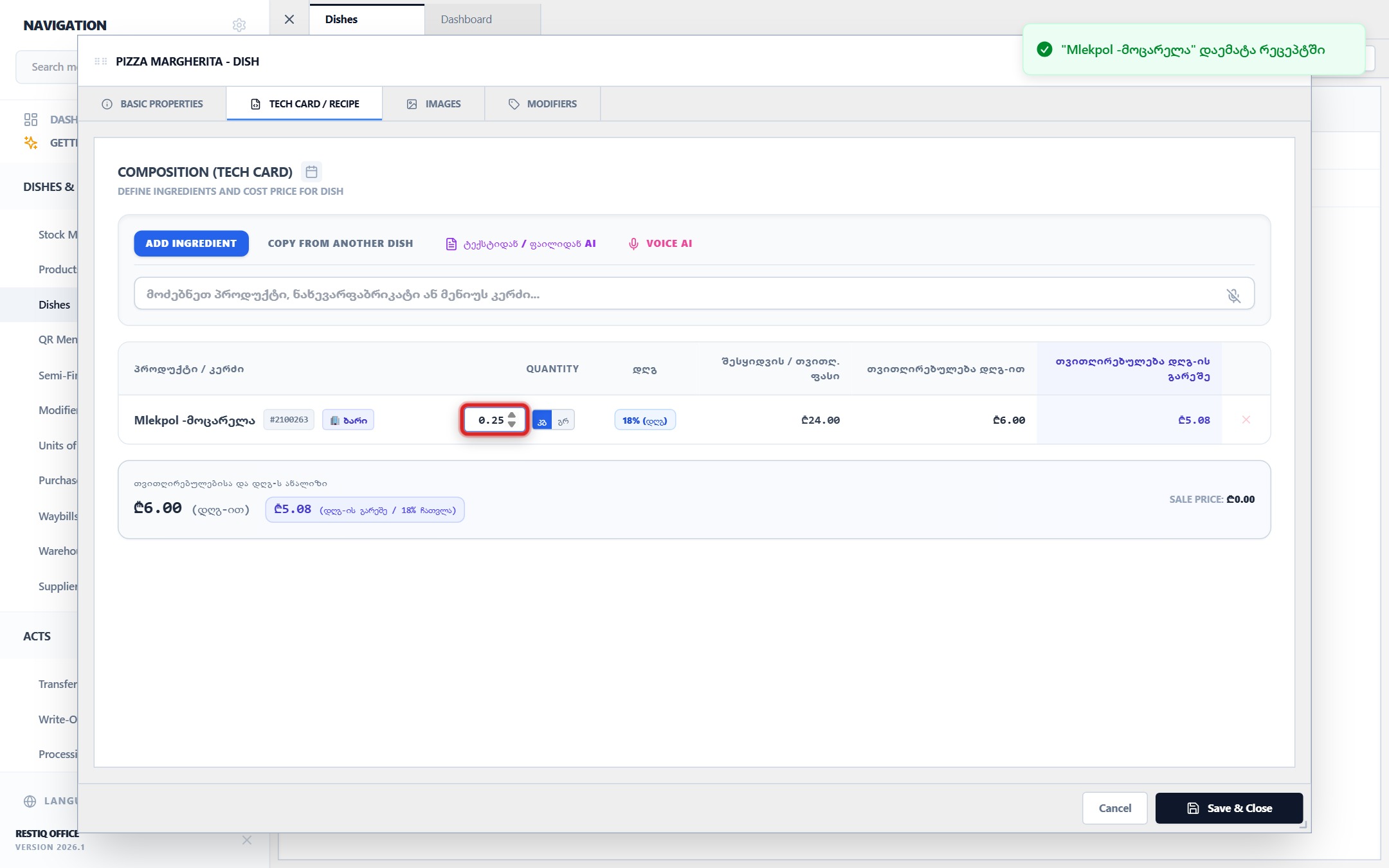
The system automatically calculates the ingredient cost and total dish prime cost based on active warehouse purchase prices.
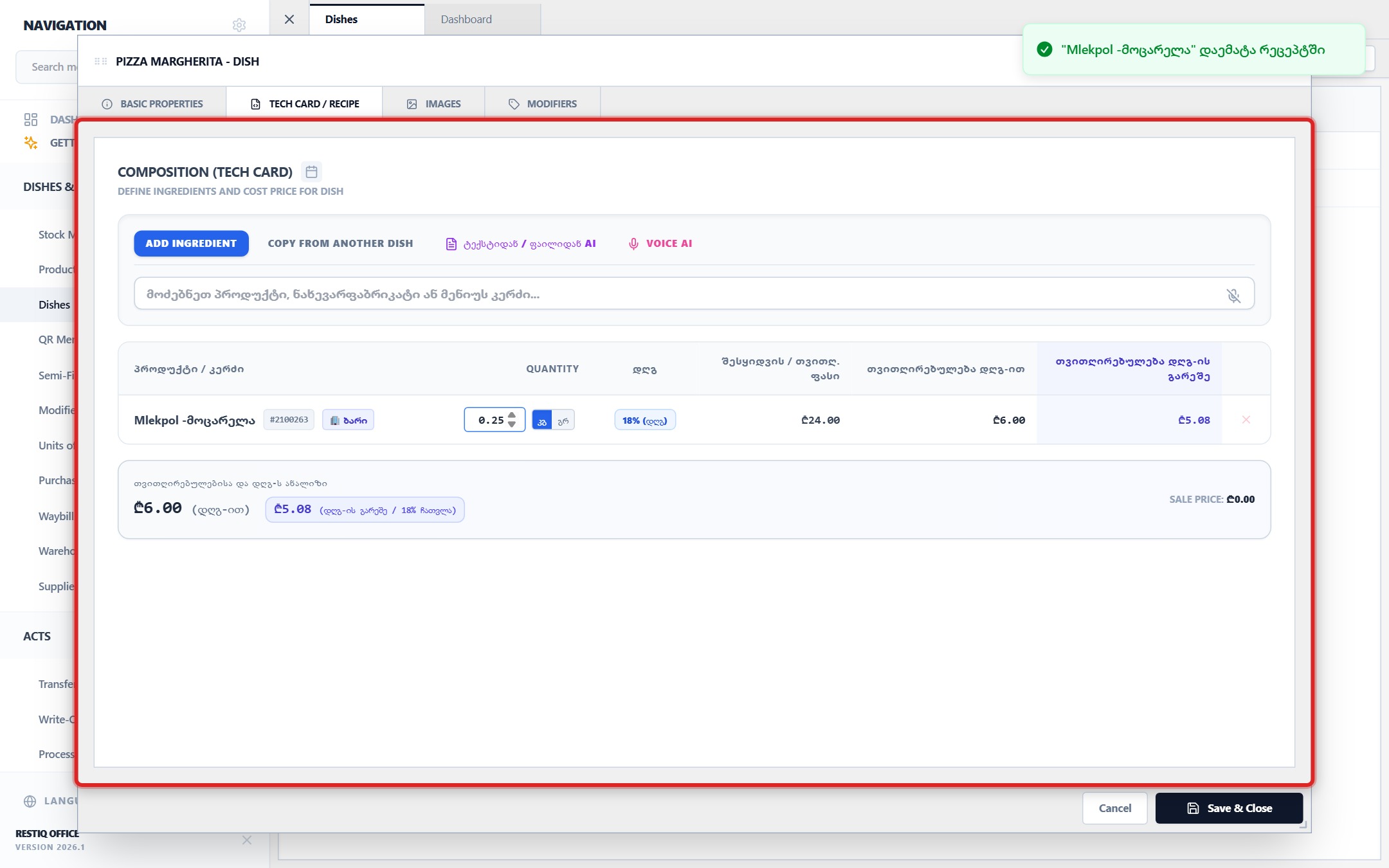
Optionally use helper tools like "Copy from another dish" or "AI Voice/Text Recipe Assistant" for rapid entry.
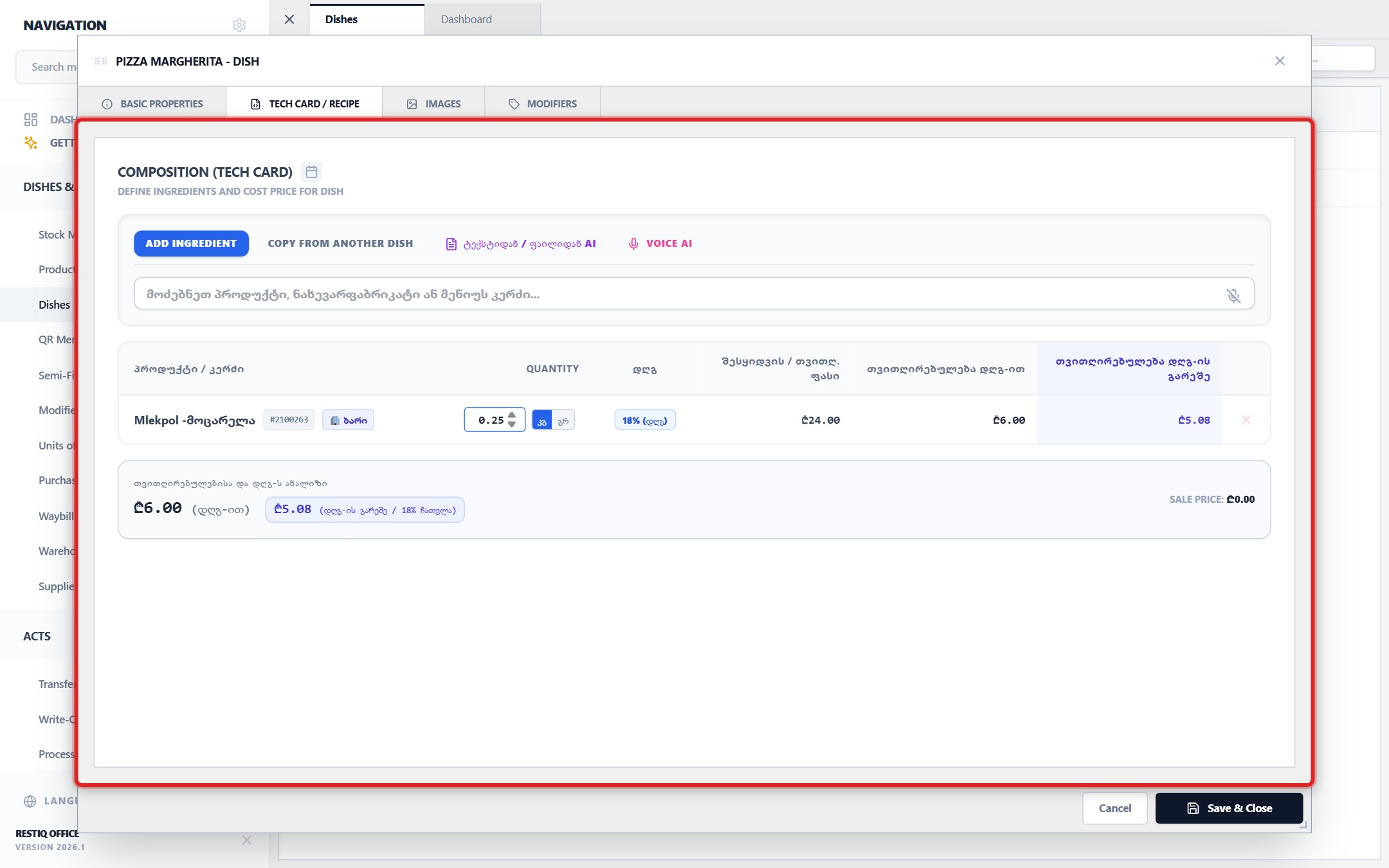
After adding all recipe components, click "Save & Close".
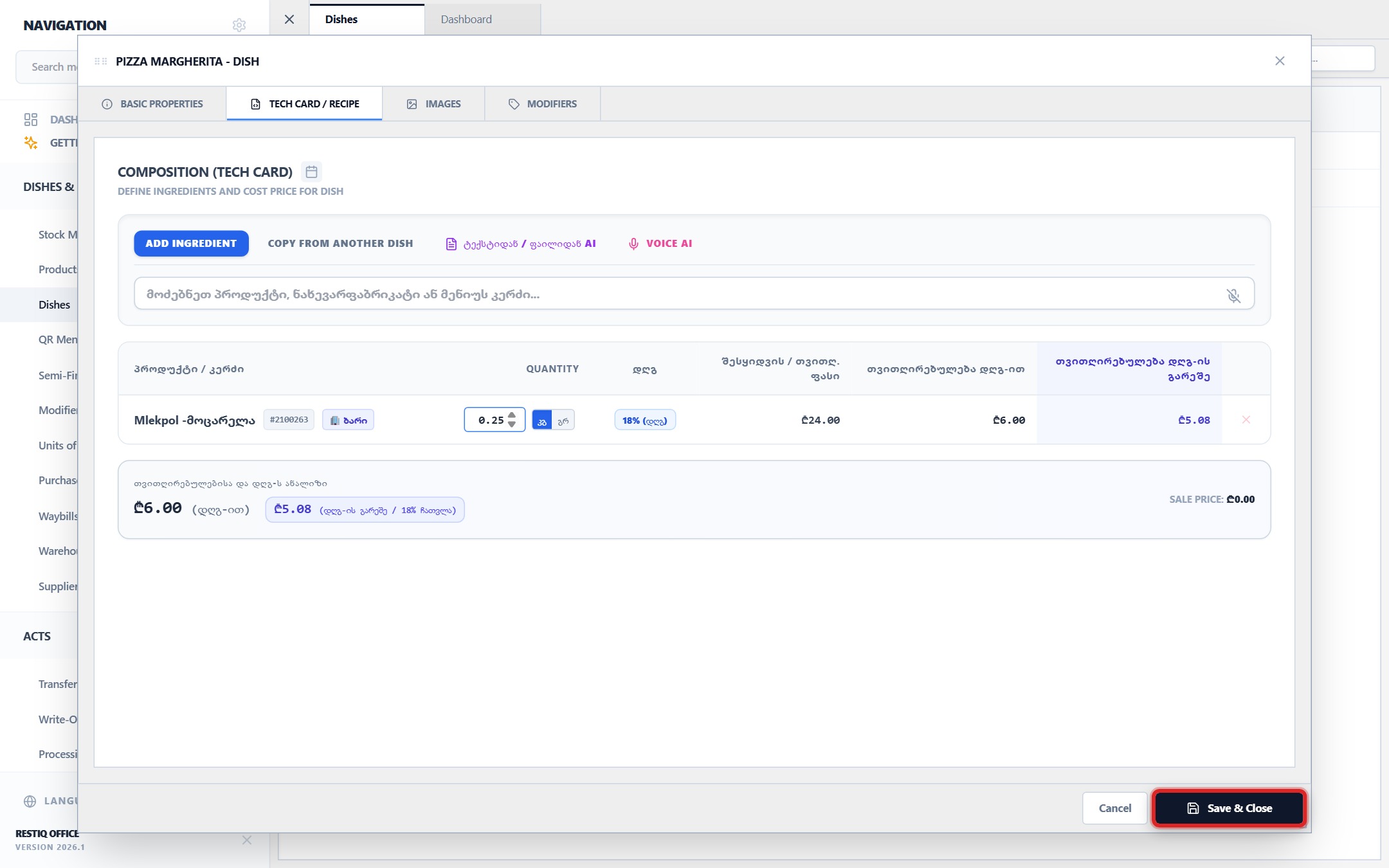
The recipe calculation is active. Every sale at any POS terminal will automatically deduct raw ingredient inventory in real time.
Your feedback helps us continuously improve our documentation