

Semi-Finished Products, Recipe Builder & Cost Calculation
Comprehensive guide to managing semi-finished preparation bases (dough, sauces, prepped meats, marinades) in RestIQ BackOffice, building sub-recipes, defining batch yields, and tracking unit cost dynamics.
The Semi-Finished module streamlines kitchen batch production, ensures pinpoint raw inventory depletion, and precisely calculates food costs for composite menu items. Follow these step-by-step instructions to create and configure semi-finished recipes:
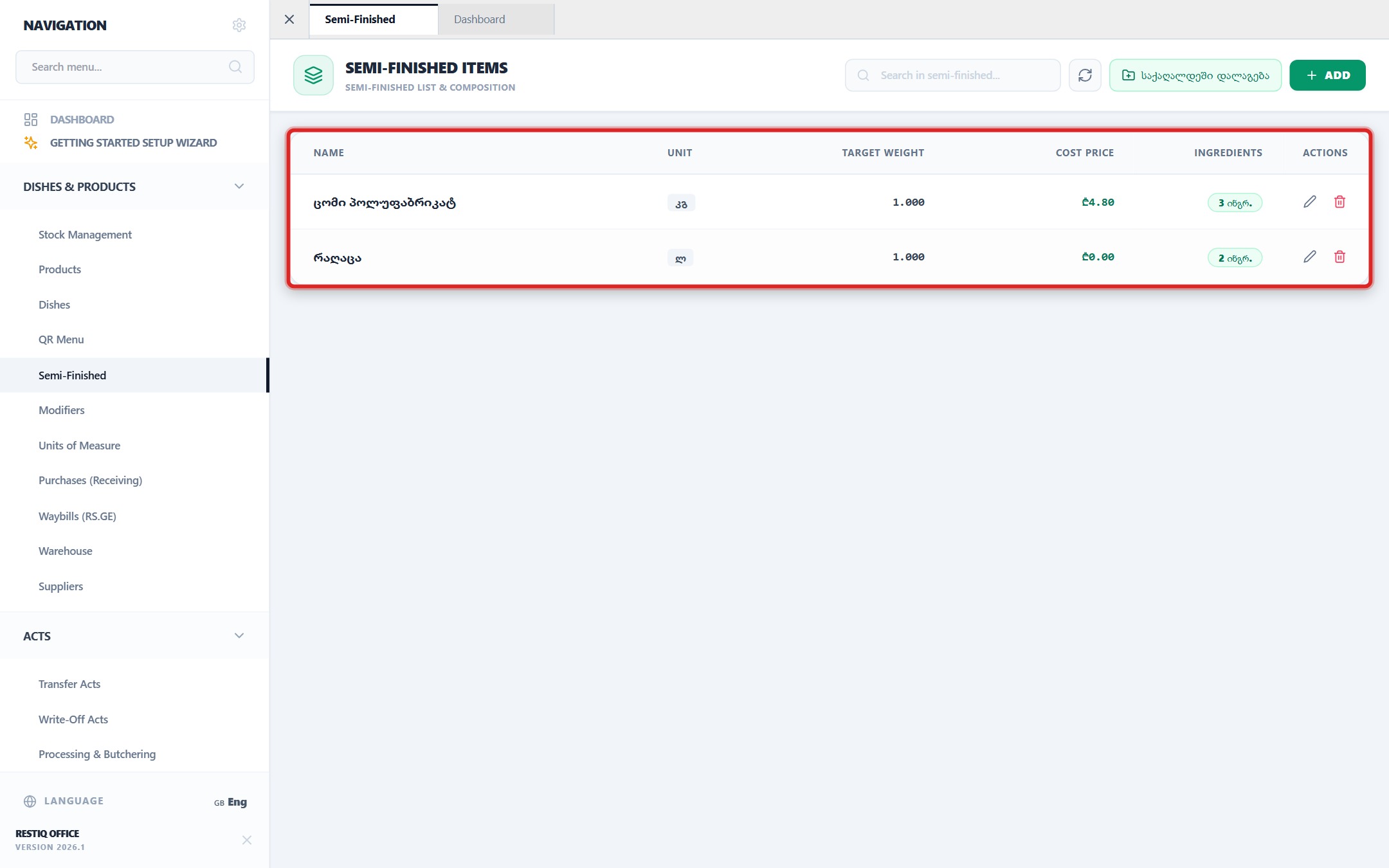
From the navigation sidebar, select "Dishes & Products" -> "Semi-Finished" to review the active preparation catalog, units of measure, and calculated prime costs.
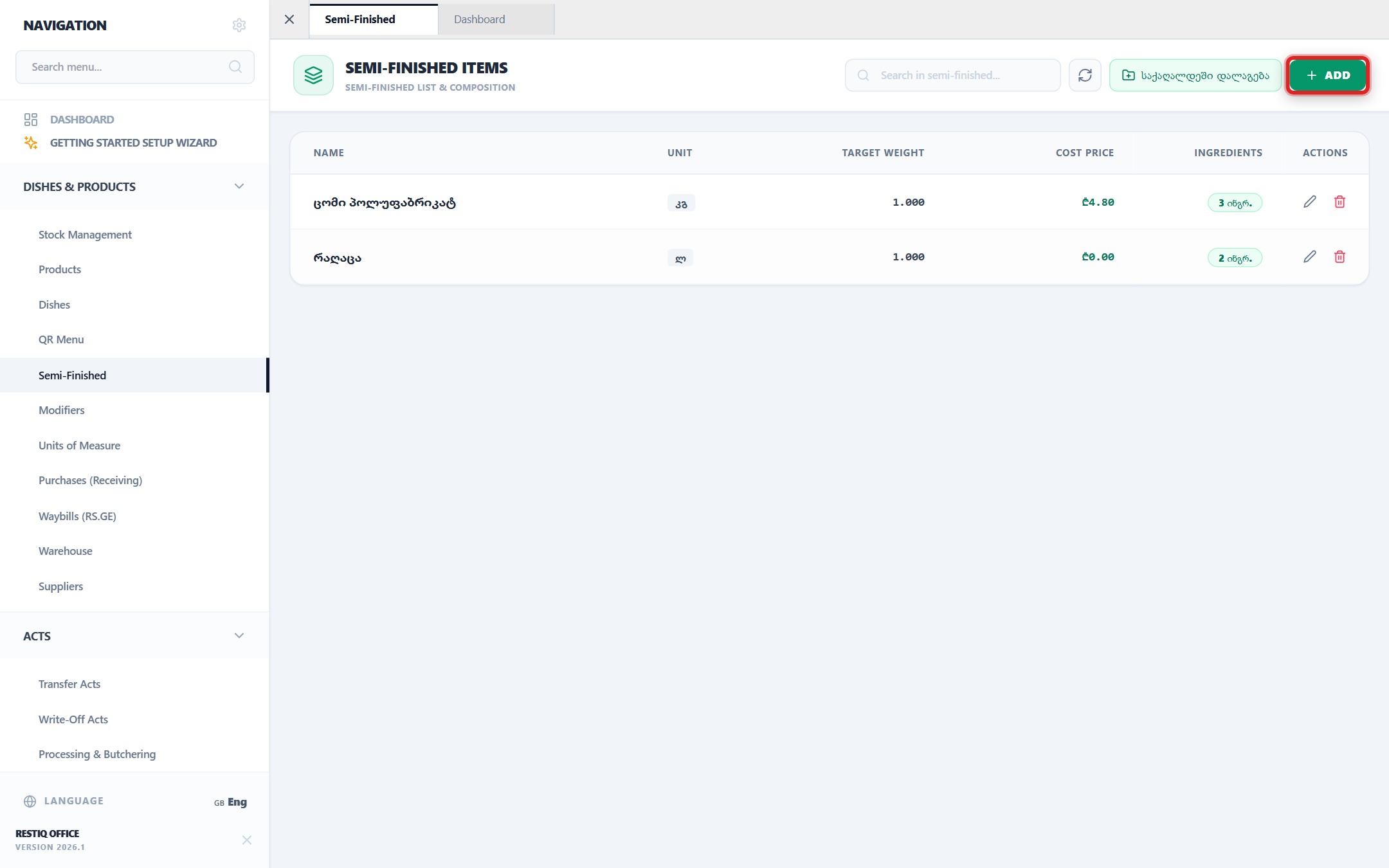
To create a new preparation recipe, click the "+ Add" button located at the top-right toolbar.
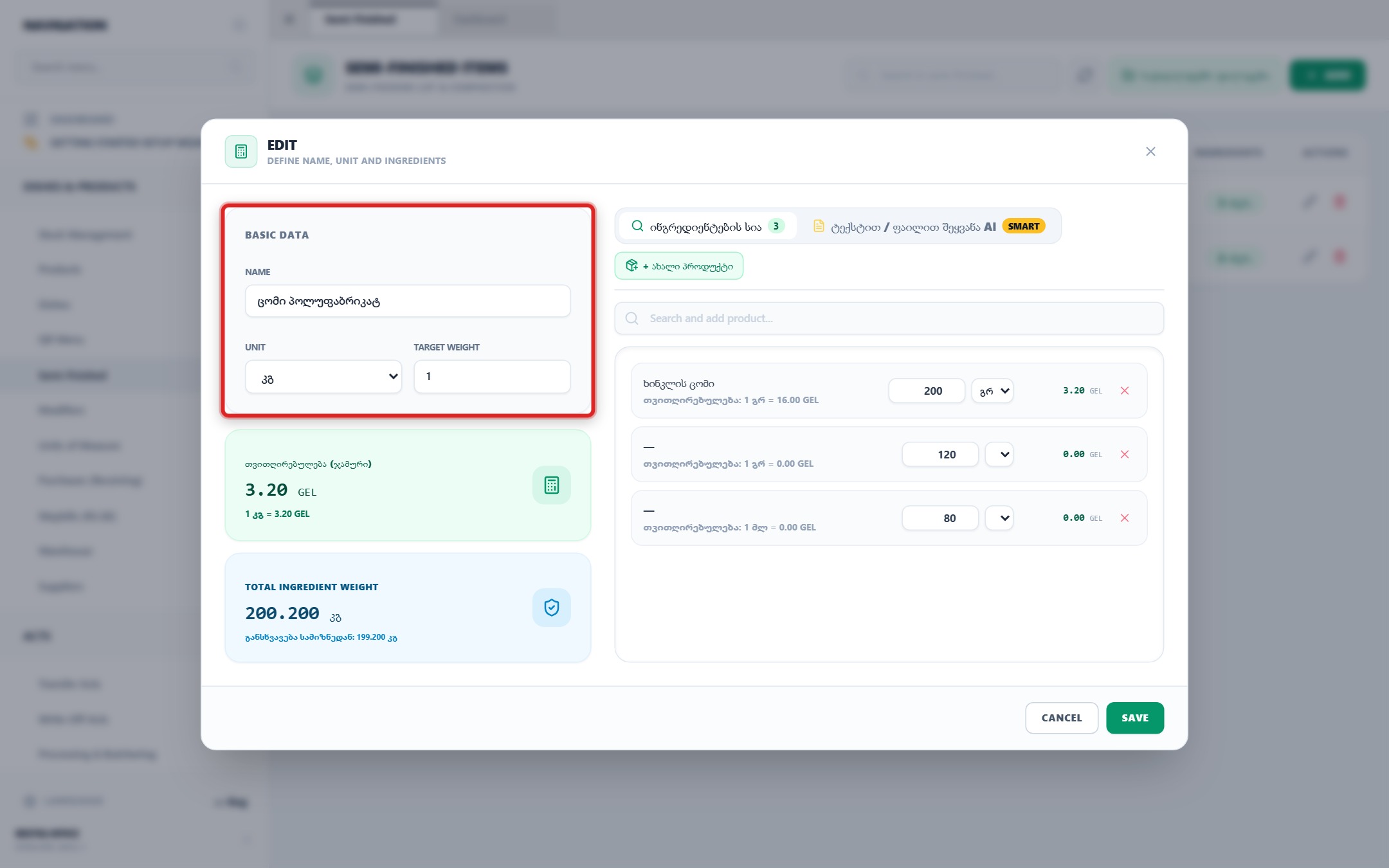
Fill in core parameters: semi-finished item name (e.g., "Dough for Khachapuri"), primary unit of measure (kg, L, pcs), and target batch yield output.
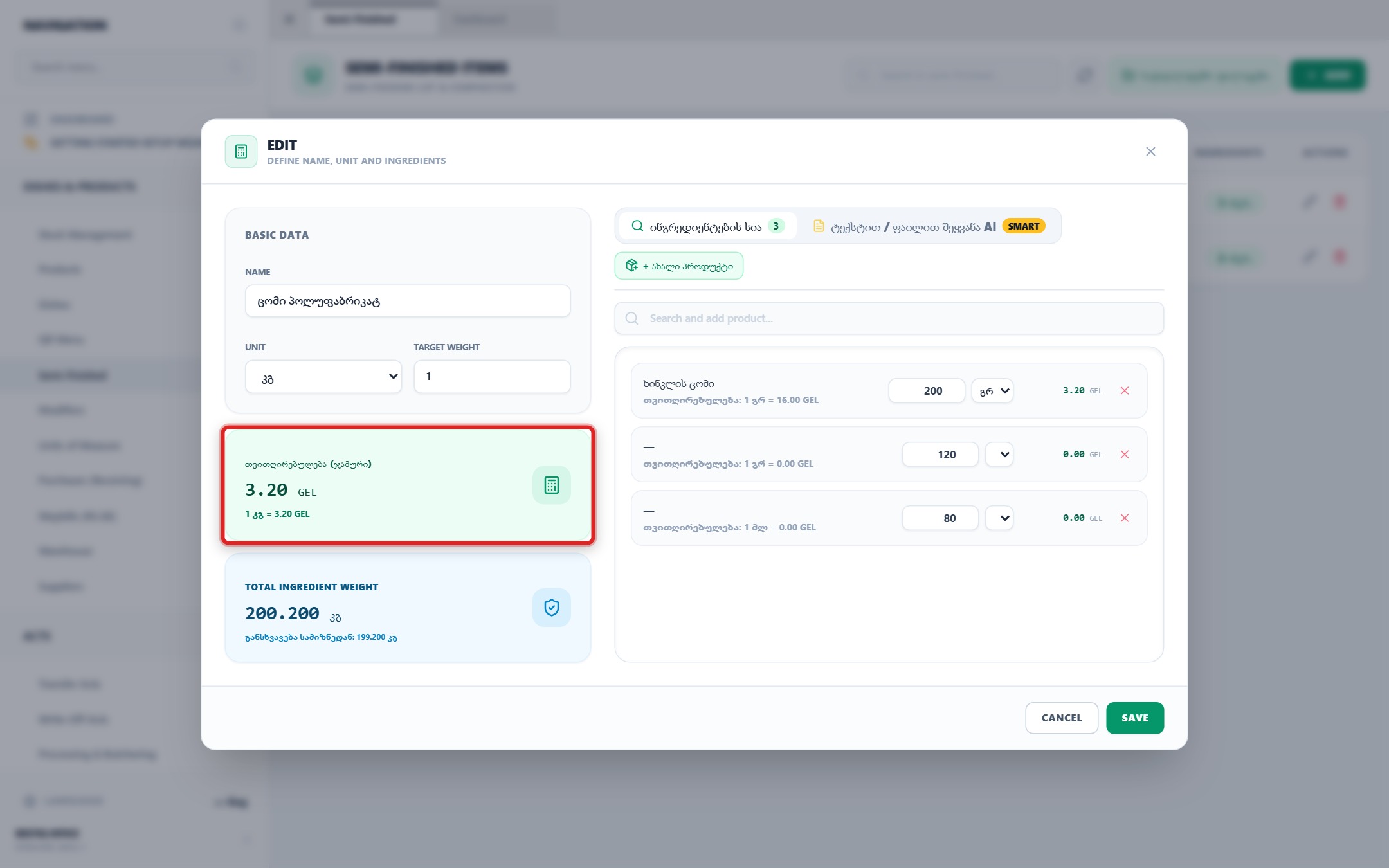
Monitor dynamic real-time KPI indicator cards: total batch cost calculation (cost per 1 unit) and total recipe ingredient weight balance.
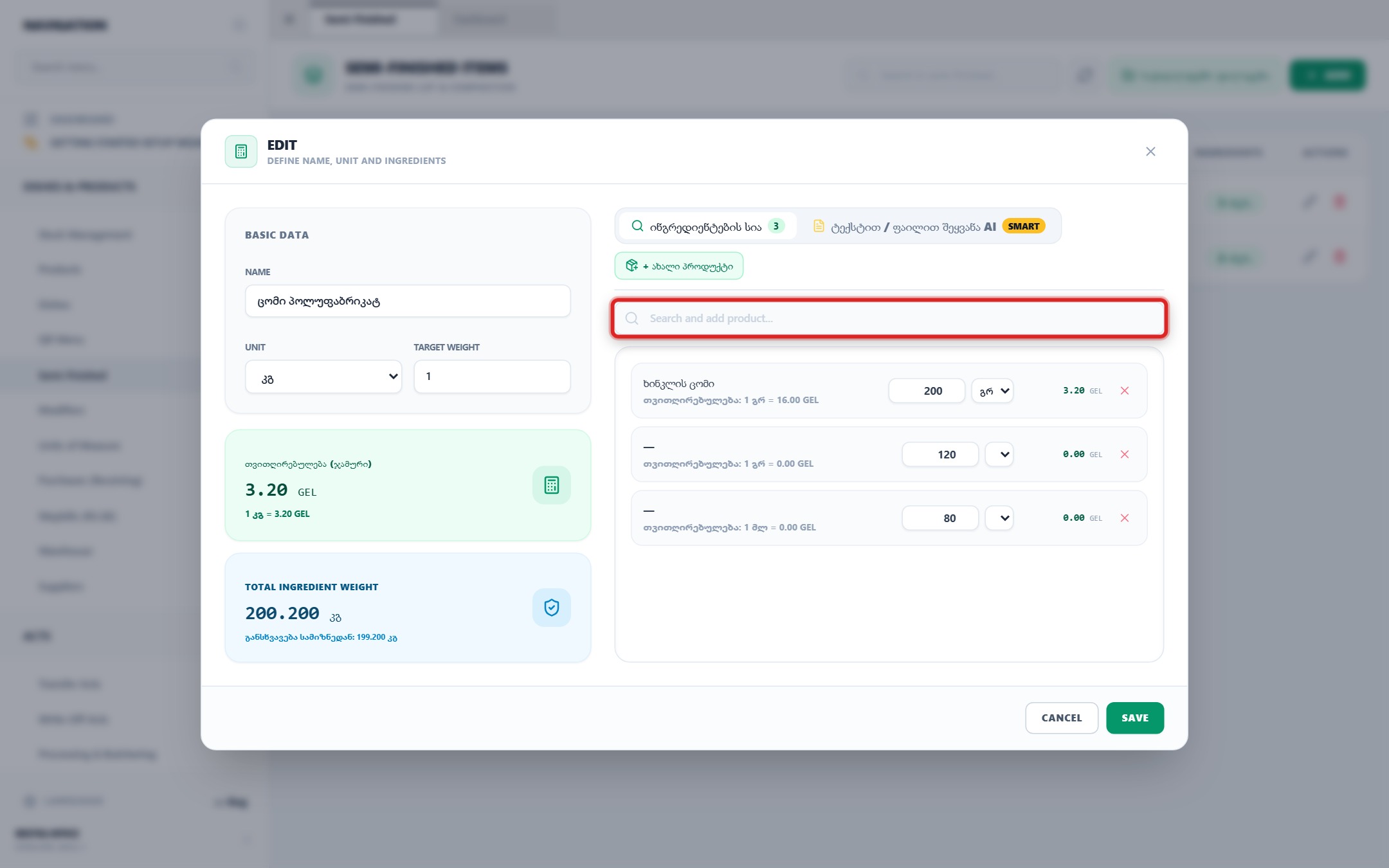
To populate sub-recipe raw items, utilize the search bar "Search and add product..." or the "+ New Product" quick creator button.
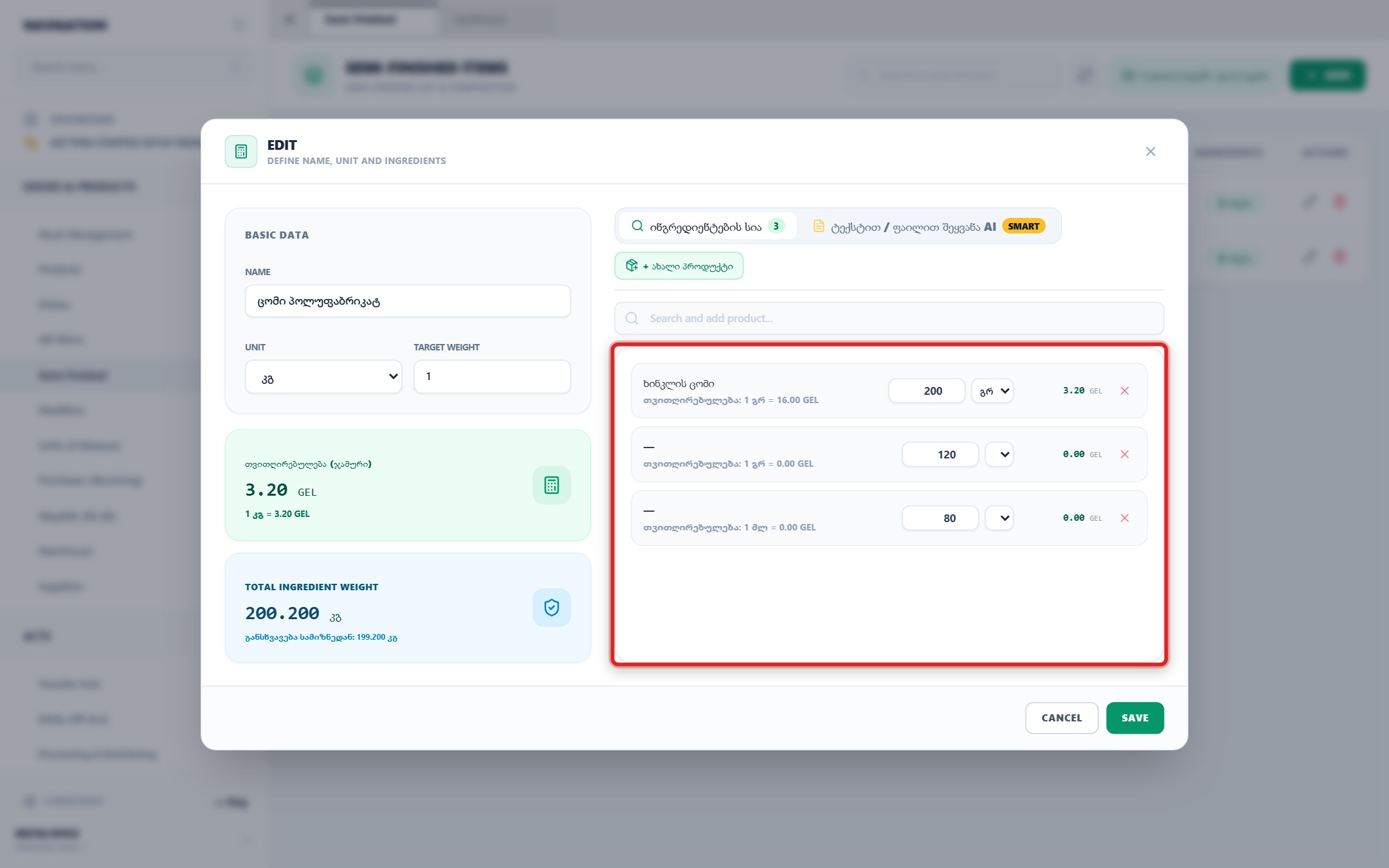
Enter precise quantity amounts for each raw ingredient, select appropriate measurement units (g, ml, pcs), and verify line-item cost contributions.
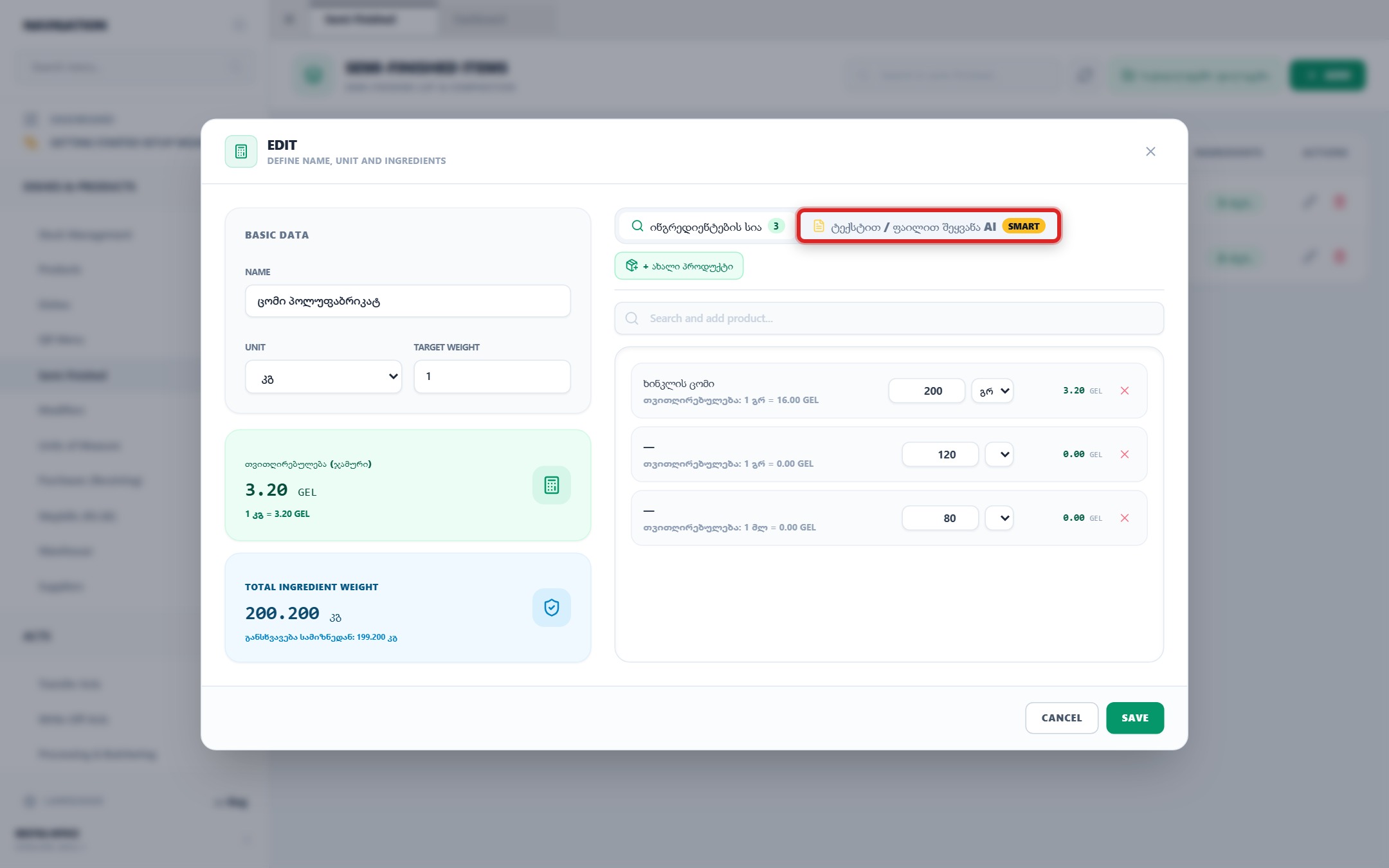
For instant automated extraction from culinary text sheets or raw files, navigate to the "Text / File Input AI SMART" tab.
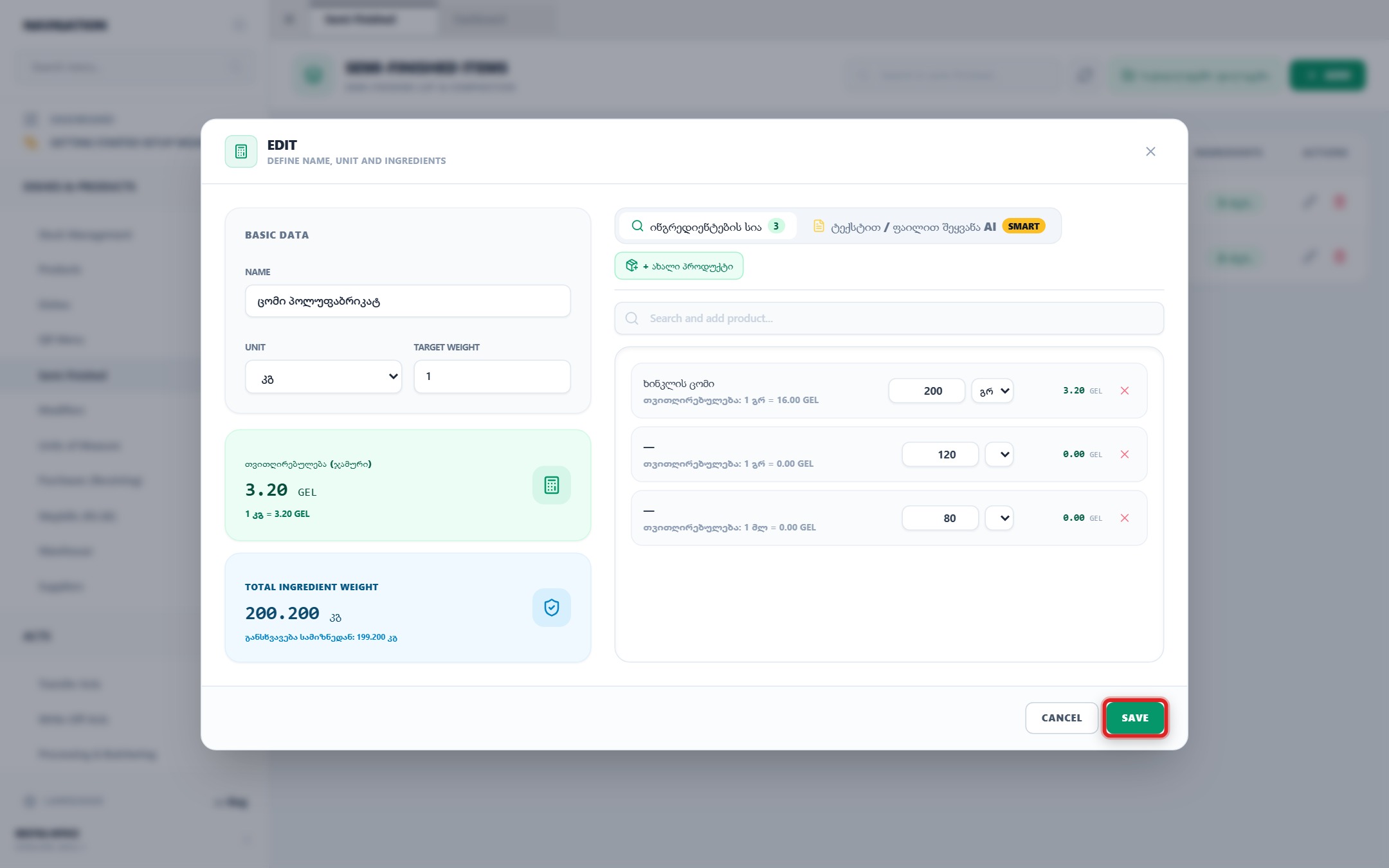
Verify recipe balances and click the "Save" button to publish the semi-finished item for use in dish tech cards and kitchen preparation acts.
Your feedback helps us continuously improve our documentation